Instructions
Plain-English setup in under 5 minutes.
Excel & Google Sheets template
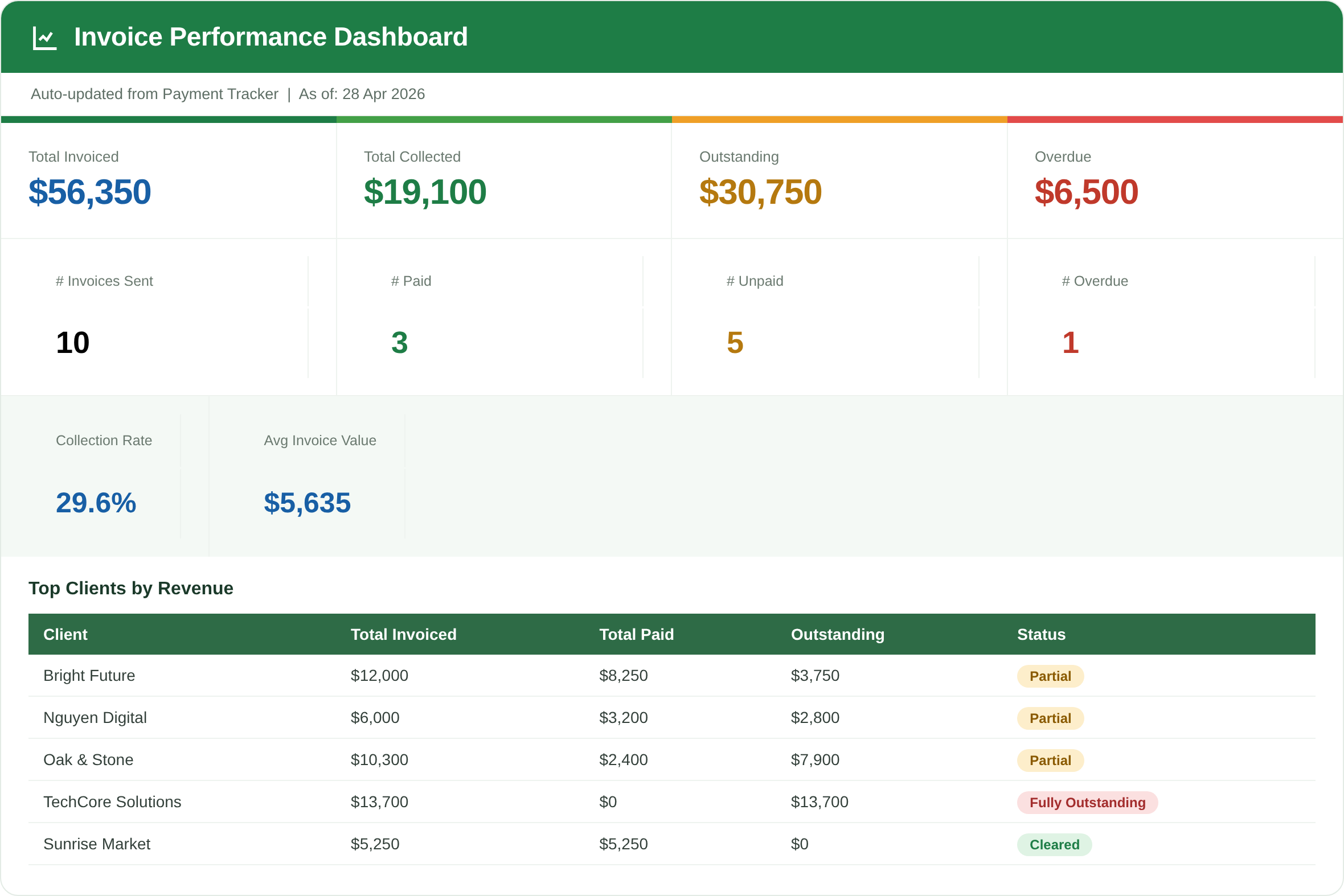
A plug-and-play Excel template that does the math for you, then logs every invoice so a single dashboard shows what's paid, unpaid and overdue.
In the $10 bundle
Comes with 4 more finance templates · 30-day money-back guarantee · Excel + Google Sheets.
01What's inside
Plain-English setup in under 5 minutes.
Business name, logo area, currency and tax rate, all in one place.
Fill in the client and line items; subtotals, tax and discounts calculate themselves.
Every invoice tracked automatically: amount, due date and status.
Paid vs unpaid vs overdue, total outstanding, with a clean chart.
02Why it's worth it
Who it's for: freelancers, small business owners, side-hustlers and tutors who want to look professional and get paid on time — without paying for invoicing software.
03Questions
Yes. The Settings tab lets you set your currency and tax rate once (GST, VAT or sales tax), and every invoice uses it automatically.
Yes. Open it in Excel or upload the .xlsx to Google Sheets — every formula works in both.
Free templates make one static invoice. This creates unlimited invoices and tracks the money — paid, unpaid and overdue — on a live dashboard.
04More templates
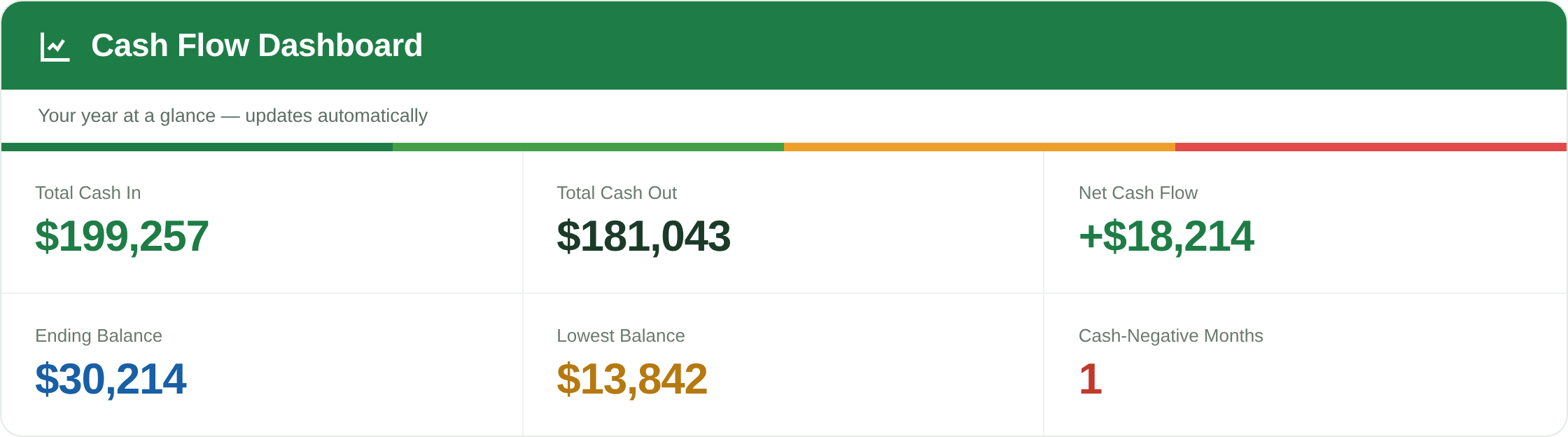
See your running cash balance month by month and spot a cash crunch before it happens.
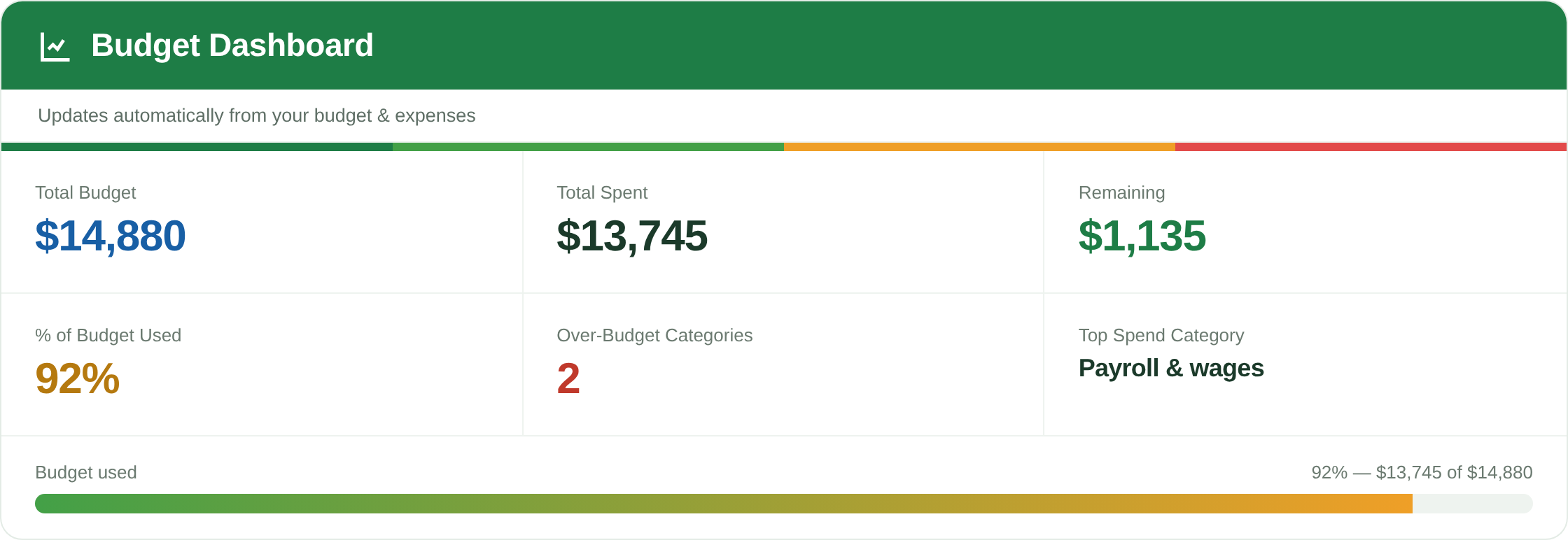
Set a budget per category, log expenses from dropdowns, and get instant red alerts when you overspend.
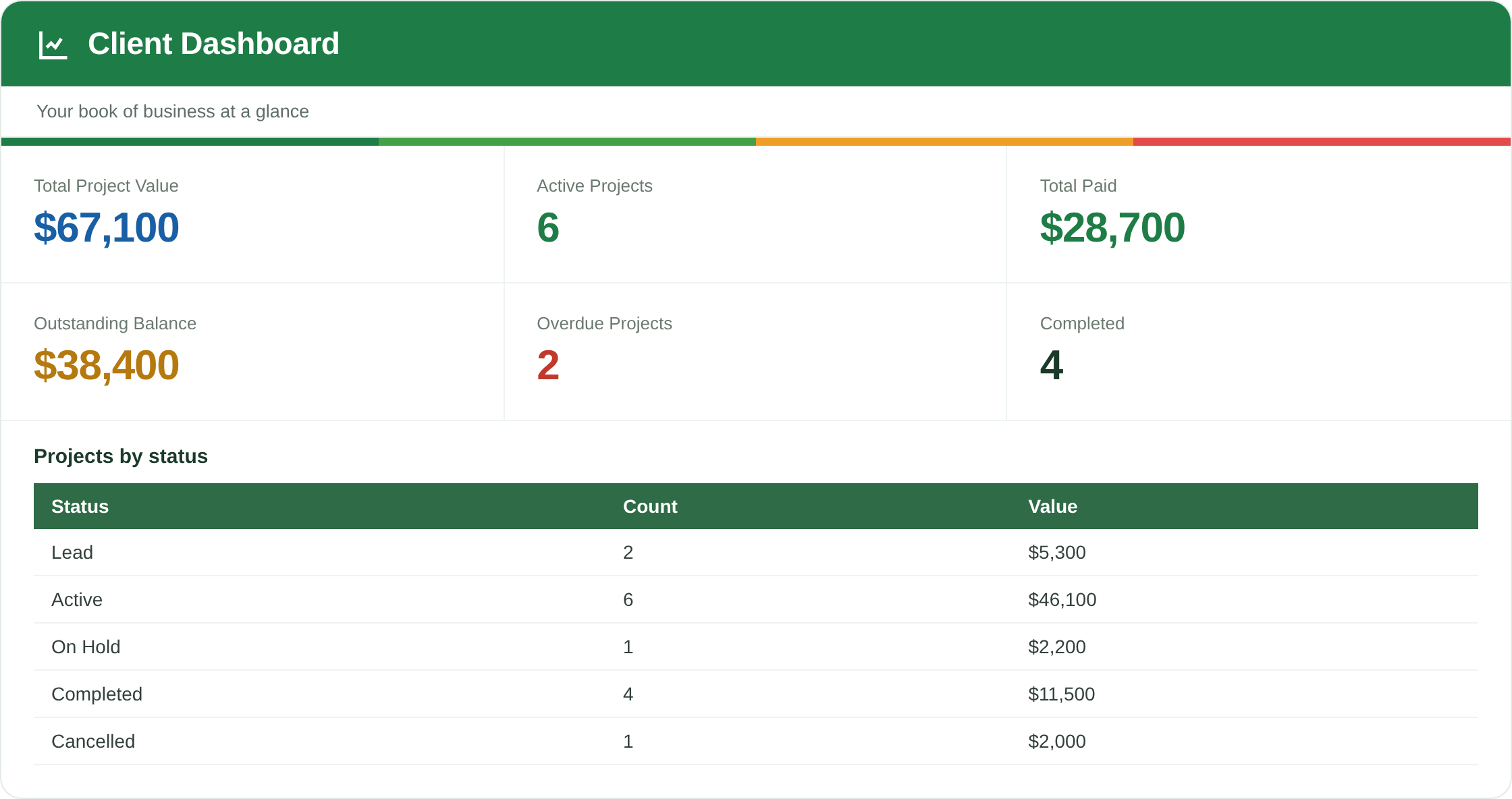
Every client, project, deadline and unpaid balance on one screen, with overdue work flagged automatically.
Invoice Generator Pro is also in the $10 bundle — four more templates for less than this one alone.
See the $10 bundleInvoice Generator Pro plus four more finance templates — one $10 download, yours forever.
Get the bundle — $1030-day money-back guarantee · Excel + Google Sheets · instant download